
The moving-business workbook library
Excel templates for moving companies
Keep estimates, packing records and job costs clear. Find a focused workbook for the task, then adapt its inputs to the move you are planning.
One job reference. Clearer handoffs.
- Separate estimates from actuals
- Label quantities, hours and currency
- Test your copy against a known job
Available workbooks
Open the library →More from the library
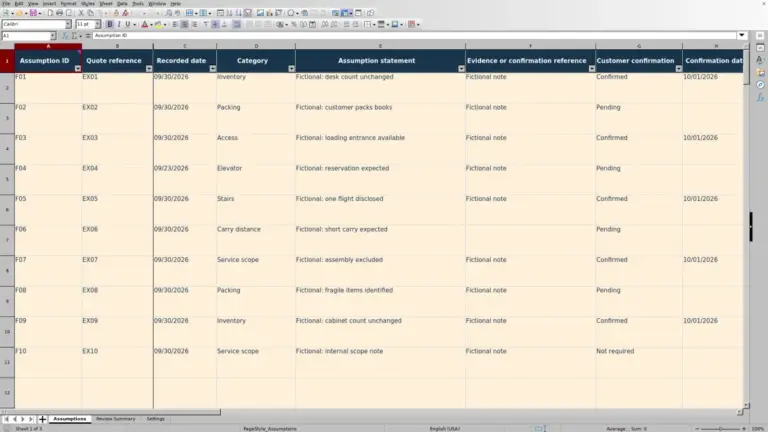
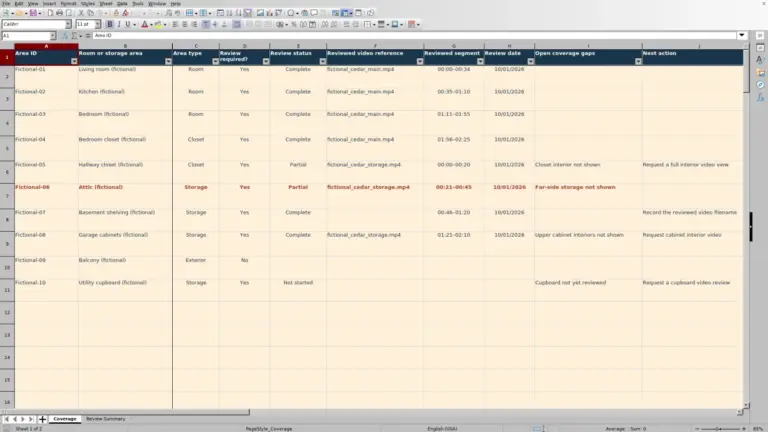
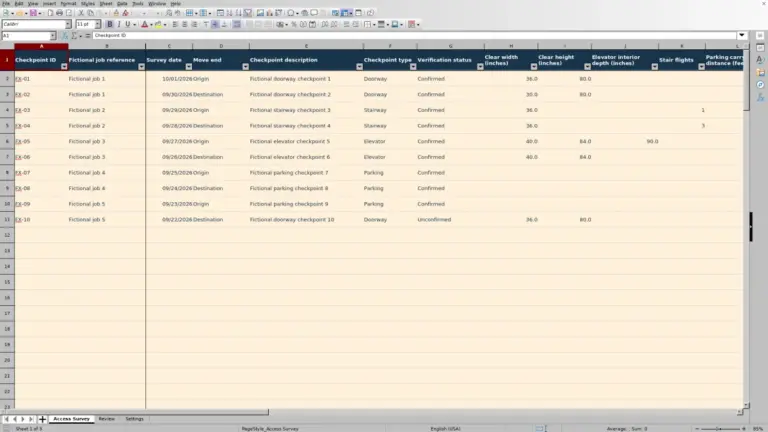
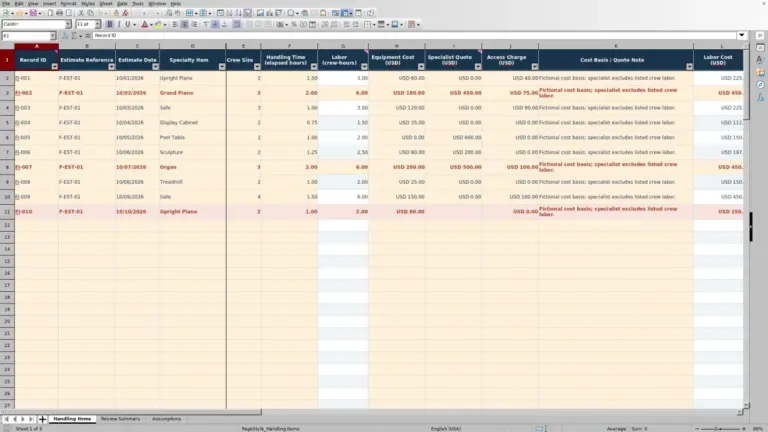
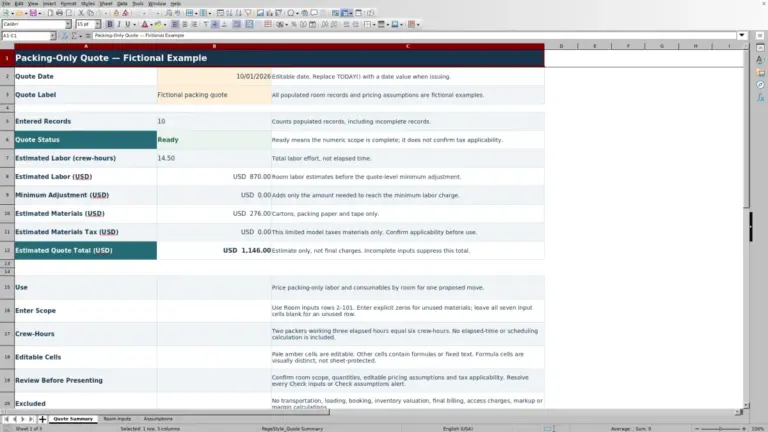
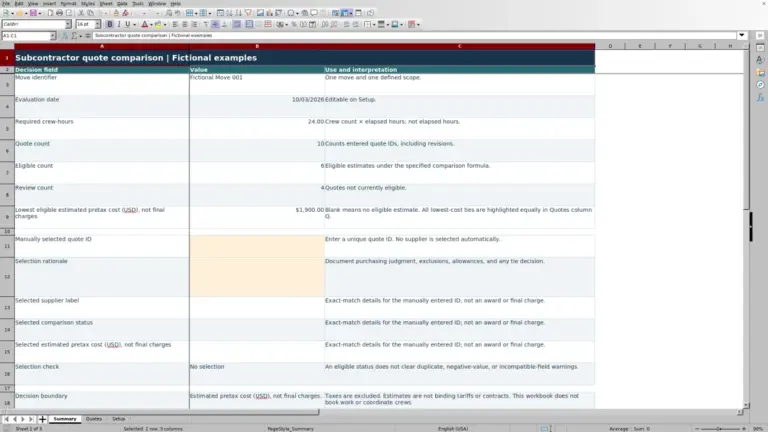
From survey to reconciliation
Compare six categories →Find your part of the move
Estimating10 publishedSurvey quantities, crew-hours and price assumptions.Booking0 publishedInquiries, confirmed dates and job handoffs.Packing0 publishedRooms, cartons, labels and packing materials.Moving0 publishedMove-day records, delivery checks and closeout.Claims0 publishedCase references and administrative follow-up.Finance0 publishedJob costs, deposits and billing reconciliation.
Choose by decision
Different questions need different records
An estimate is not a confirmed booking. A packing list is not a delivery receipt. Start with the record that supports the decision in front of you.
What does the survey imply?
Use Estimating to separate inventory, access assumptions, crew-hours and price inputs.
Which cartons belong to this job?
Use Packing to connect room references, labels and material quantities.
What remains to reconcile?
Use Moving for recorded counts, job times and unresolved closeout items.
How did actual costs compare?
Use Finance to distinguish estimated costs, recorded expenses, invoices and received payments.
A practical starting point
From search to a working copy
- 01
Find the task
Search published workbooks or choose a workflow category.
- 02
Read the details
Check the purpose, previews, inputs and stated limits.
- 03
Save the file
Use the download on the document page when available.
- 04
Test your copy
Replace examples and check a small, known job before relying on results.
Prepare your inputs
Make scope, units and status explicit
Use a stable job reference. Distinguish cubic feet from pounds, elapsed hours from crew-hours and a requested date from a confirmed date. Record USD or the actual currency beside monetary inputs. A blank cell is not a confirmed zero.
Keep an unchanged original. Example figures illustrate the workbook; they are not verified local prices or a recommendation for crew size. Store private customer information in your approved systems.
Using the library
Before you start
Which templates can I download now?
Only published workbooks appear in the library and its counters. An empty category describes scope, not an available download.
Is Mover Sheets a moving company?
No. It is a workbook library for moving-business records and calculations. It does not arrange moves, quote transport services or process claims.
Can I change formulas in my working copy?
Check the file-specific use information, work in a separate copy and test any edits. Deleting cells or sheets can break references even when the displayed total still looks plausible.